November 14, 2026 · 4 min read
Motion Control: copy the moves from a video onto your character
A dance, a gesture, a walk: Motion Control takes the movement from a video and applies it to your image. How it works and best practices.
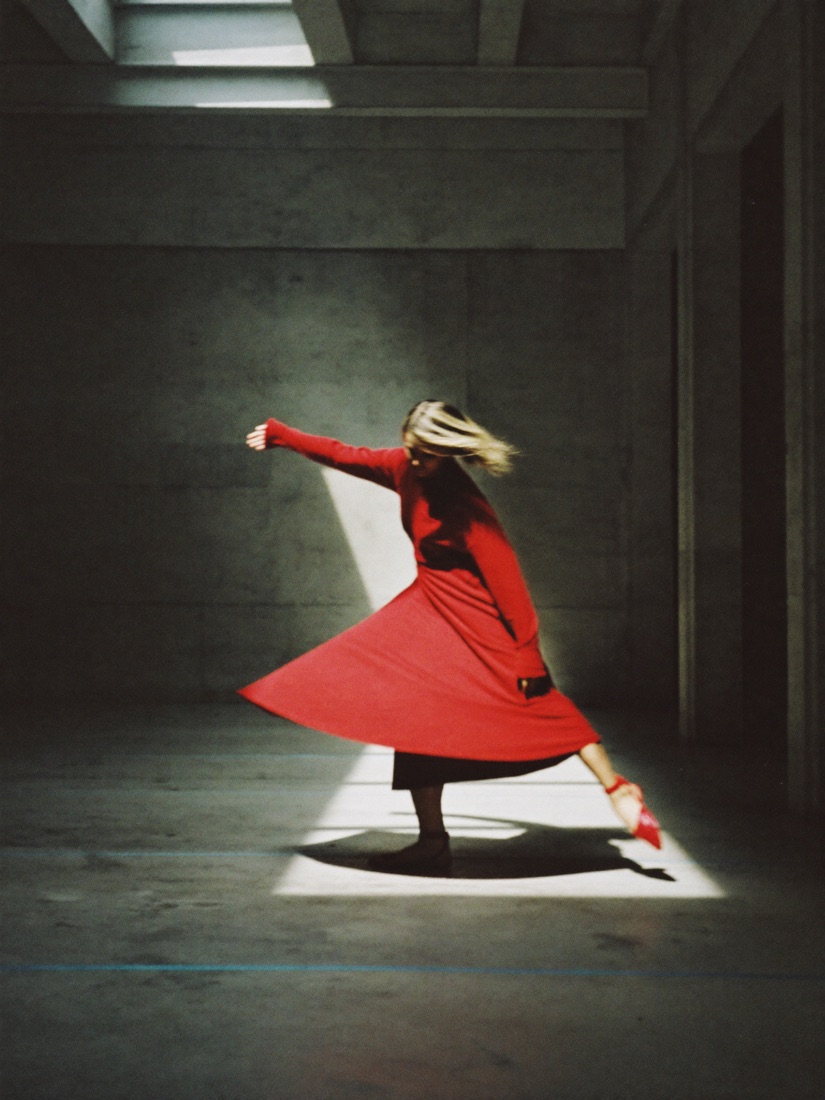
Motion Control starts from two things: an image of your character and a motion video, for example someone dancing. The AI moves your character exactly like the video while keeping their face and outfit.
What is it for?
- Make a mascot or a character dance to the latest trend.
- Reproduce a precise gesture (a wave, a product demo) that a prompt describes poorly.
- Give a series character a realistic walk or attitude.
How to do it on DeepSia
- Video page, Motion Control tab.
- Add the character image (full body if the video shows the whole body).
- Add the motion video (up to 30 seconds).
- Pick Kling 3.0 Motion Control, or the Pro version for cleaner, more detailed motion.
- Check the price on the button and start.
The price depends on the length of the motion video. Trim it to the part you want before uploading.
Best practices
- Same framing in the image and the video: full body for a full-body dance, chest up for hand gestures.
- A video with one clearly visible person and no edit cuts.
- A simple background behind the dancer helps the model follow the movement.
- Only use videos you have the right to use: your own, or royalty-free footage.