November 14, 2026 · 6 min read
Vertical mini dramas with AI: write, break down and shoot an episode
Short 9:16 series are booming on social media. Here is the method to go from an idea to an episode: characters, a shot-by-shot breakdown and camera angles.

A mini drama is a short series made for phones: 30 to 90 second episodes, strong emotion, a clear conflict and an ending that makes you want the next one. With AI, a single person can write, cast and shoot a whole episode.
1. An idea in one sentence
It all starts with a simple promise: who wants what, and who stands in the way. Classic situations work very well: the contract marriage, humiliation followed by revenge, the cold CEO who falls in love, the scornful in-laws, the family secret. Always invent your own characters and story.
2. Characters first
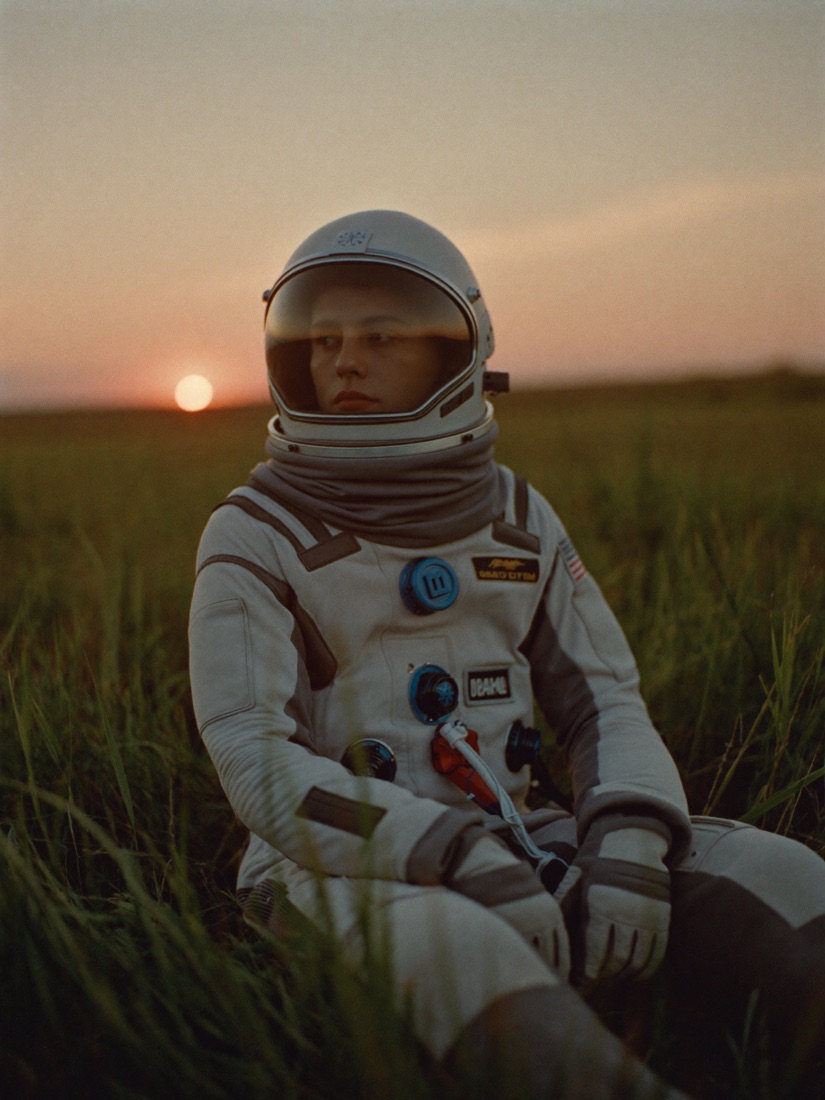
Before any video, create a reference portrait for each character on the Image page: face, hair, outfit, a status signal (luxury watch, nurse's scrubs, embroidered boubou). That portrait is the reference in every shot, so the face stays the same from start to finish.
Keep the same outfit for the whole episode unless the story calls for a change. It is the most common mistake, and viewers notice it right away.
3. The breakdown: scenes, shots and angles
Before shooting, write the breakdown like a director. A scene is one place at one time (“Director's office, day”). Each scene is cut into 5 to 10 second shots. For each shot, note:
- Shot size: wide (the whole room), medium, medium close-up, close-up, extreme close-up on an object.
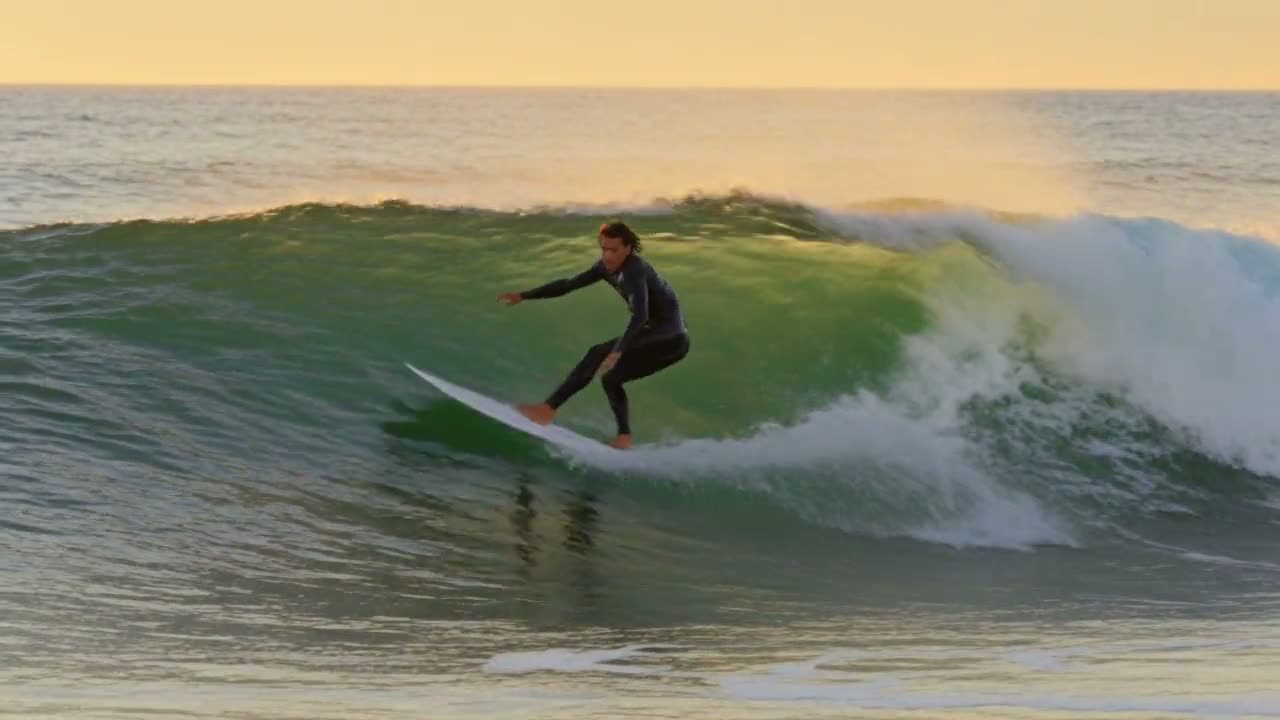
- Angle: eye level, three-quarter, profile, high angle (camera above, the character looks crushed), low angle (camera below, they look powerful), over-the-shoulder.
- One camera move: static, slow push-in, pan, handheld.
- The visible action and one short line at most.
On a phone, favour large faces: close-ups carry the emotion, and emotion keeps people watching.
4. A rhythm that hooks
- The first 2 seconds: drop into the middle of the conflict (a slammed door, a shocking line, a discovery).
- The middle: the confrontation rises, with a reaction close-up.
- The end: a reveal, an arrival or a look, and cut before the answer.
5. Shoot one shot at a time
On the Video page, pick a model that takes reference images and generates sound if your characters speak, in 9:16. Add the portraits, write the shot with timings (“0-2s: …”, “2-5s: …”), then generate shot 1 first. Once you like it, move on to the next. Shot too short? The “Extend” button generates what comes next.
All that is left is to assemble the shots and add subtitles and music in your favourite editing app.